Norton 360 for Mac v26.10.0 has been released!
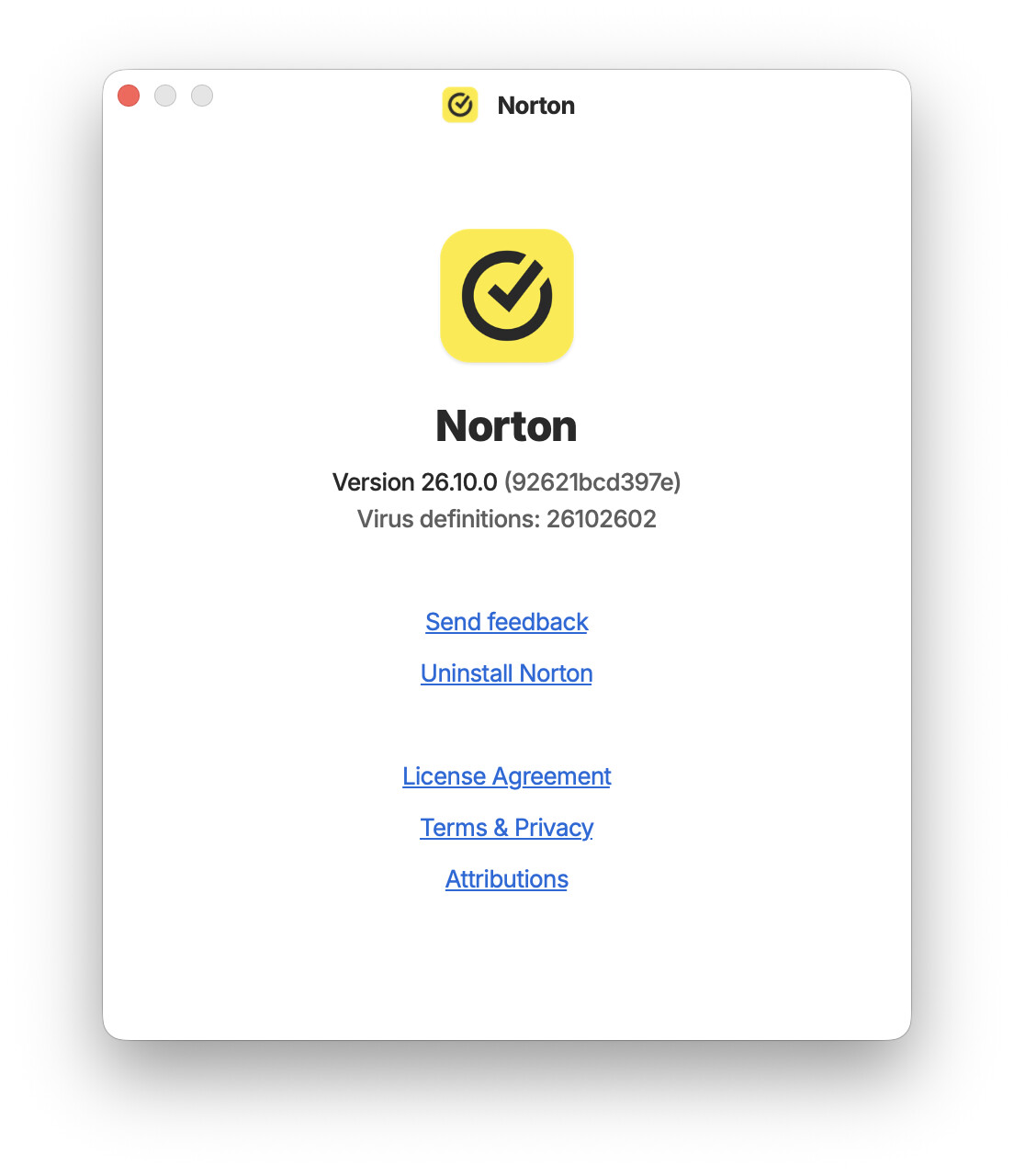
The following FAQ addresses some common questions:
1. How can I download this update?
This build is available via LiveUpdate and My Norton portal.
2. What are the system requirements?
- This build is applicable only for macOS 10.13 and above
3. What’s new in this build?
1. Safe Email Onboarding updates:
For some IMAP-enabled email providers, creating an app-specific password is now offered within Norton. For more information on adding or removing an email from Norton Safe Email, please refer to this KB
2. New Feature: Safe AI
Norton Safe AI makes using AI agents safe by stopping threats before they happen, so you stay in control and can confidently let AI agents do more for you.
It works automatically in real time with tools like Claude Code, Cursor, OpenClaw, and Visual Studio Code to help prevent unsafe actions, without slowing you down or requiring technical expertise. Your prompts, files, and activity stay private and on your device. Norton Safe AI is currently available on Windows and Mac.
For more information, please refer to this FAQ
II. Under-the-hood changes & bug fixes
4. Where can I post my queries?
Please visit the Norton 360 for Mac forum board to post your queries