What URL address renders 400 Bad Request?
========================================
AI Mode
A “400 Bad Request” error means the server cannot process your request due to invalid syntax or other client-side issues. You can fix it by clearing your browser’s cache and cookies, checking the URL for errors, disabling browser extensions, and making sure any files you’re trying to upload aren’t too large.
Common solutions
- Clear browser cache and cookies:
Corrupted data can cause this error.
-
In most browsers, go to your settings and look for an option to clear browsing data, ensuring you select both “cookies and other site data” and “cached images and files”.
-
Check the URL:
Make sure the web address is typed correctly and doesn’t have any strange characters. -
Disable browser extensions:
Extensions can interfere with web requests. Try disabling them one by one to see if the error goes away. -
Flush your DNS cache:
Outdated DNS information can sometimes cause this issue.-
On Windows, open the Command Prompt and type
ipconfig /flushdns. -
On Chrome, go to
chrome://net-internals/#dnsand click “Clear host cache”.
-
-
Try a different browser:
This helps determine if the problem is specific to your current browser.
- Reset browser settings:
If other steps fail, resetting your browser’s settings to their default can help.
When to wait
- If you’ve made too many requests in a short period, you may get this error. Wait a little while before trying again.
AI Mode may make mistakes
==========================================
Contact Chat Support and Norton Phone Number (related notes here)
-----------------------------------------------------------
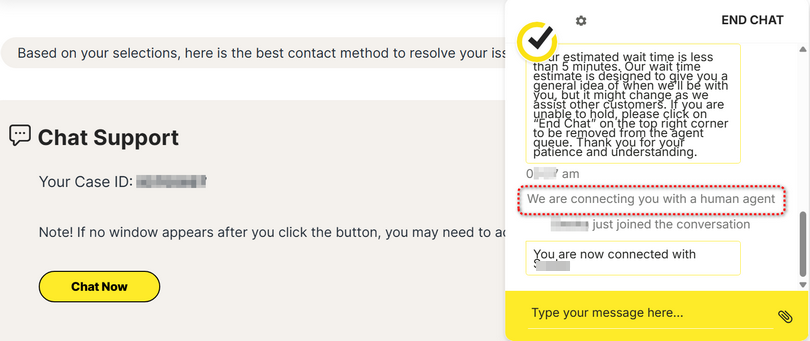
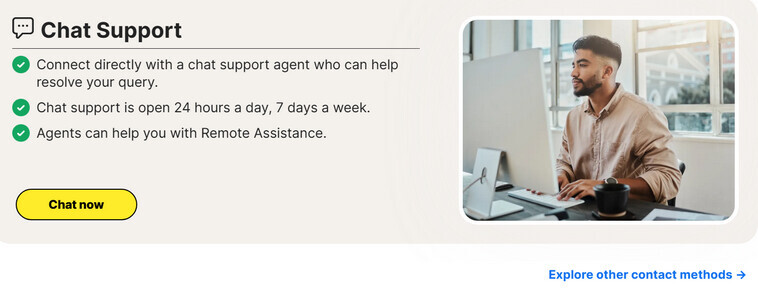
Please step thru Norton Support here to reach Norton Chat agent.
- Verify registered email address with one-time passcode sent to your email account.
- AI agent “How can I help you today?”
- Type your message
- AI agent offers preset solutions.
- AI agent “Do you need assistance with anything else?”
- Type your message
- AI agent “How may I be of assistance to you today?”
- Type your message
- AI agent “In a few words, could you let me know how I can help you today?”
- type “agent” three times to reach a human agent
-----------------------------------------------------------------------------------
Explore other contact methods →
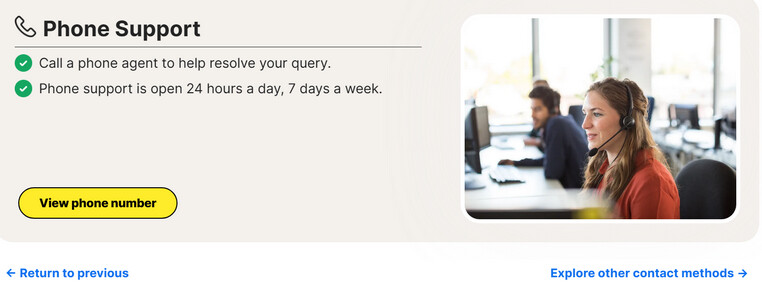
View phone number → Select your country:
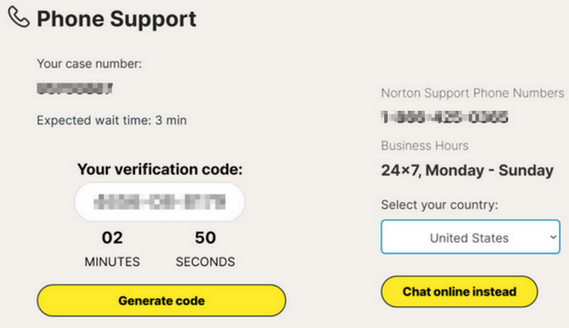
- AI agent requests verification code:
- AI agent authenticates you.
- AI agent “How may I help you today?”.
- AI agent offers preset solutions.
- speak “agent” three times to reach a human agent
-----------------------------------------------------
Contact Chat Support and Norton Phone Number (related notes here)