Note: Please do not post Personally Identifiable Information like email address, personal phone number, physical home address, product key etc.
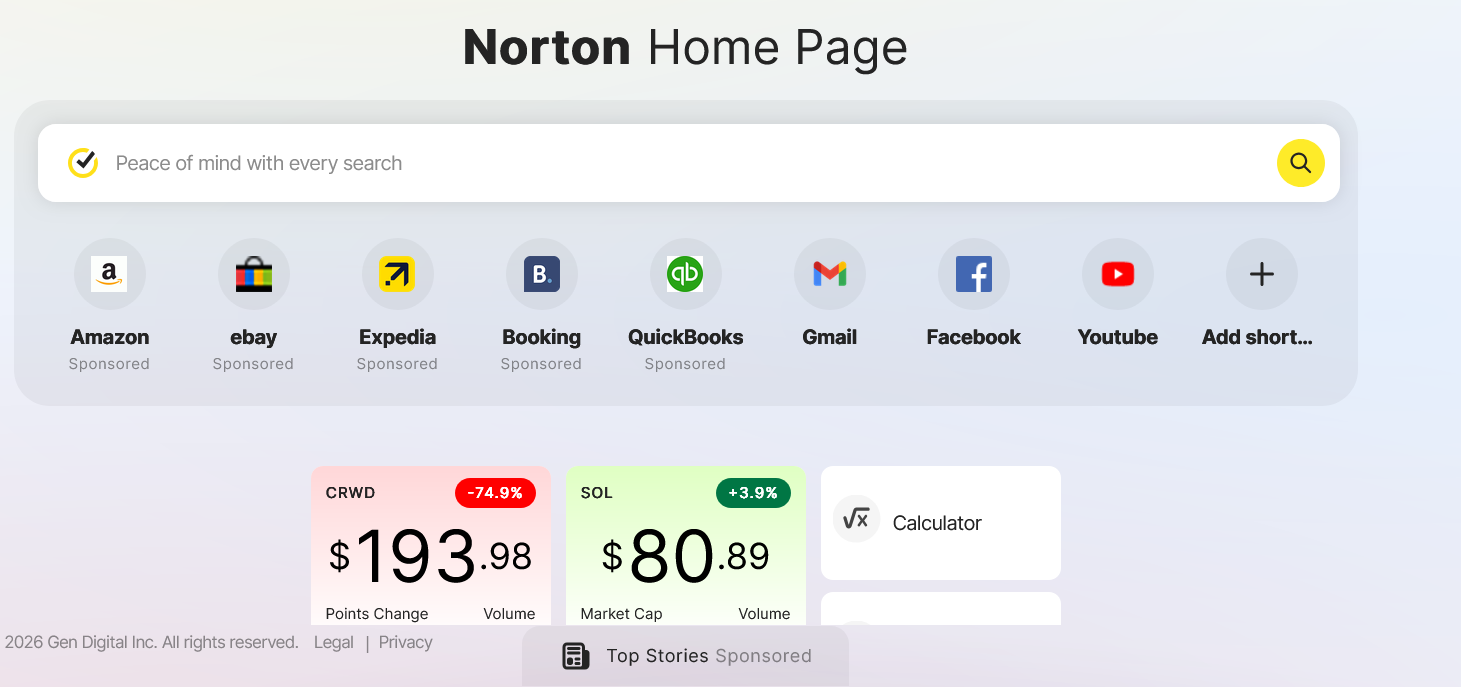
Issue abstract: Following the most recent update, there are information boxes of absolutely NO interest to me and are distracting, not to mention frustrating that they are forced on me. Editing does not remove them, only leaves one choice still showing. How can I get rid of them please?
Detailed description:
Version 152.0.4 (64-bit)
OS details: Windows 11
What is the error message you are seeing?
If you have any supporting screenshots, please add them: