Dealing with a double charge can be frustrating, especially when a direct phone number isn’t readily visible. Norton typically provides support through a dynamic “Contact Us” portal rather than a static hotline to ensure you are connected to the right department and to prevent fraudulent “tech support” scams.
Click “Contact Us”: This is usually located at the top right or bottom of the page.
Sign In: Log in to your Norton account so the agent can see your billing history immediately.
Select the Topic: Choose “Account & Billing” and then “Refunds/Billing Question”.
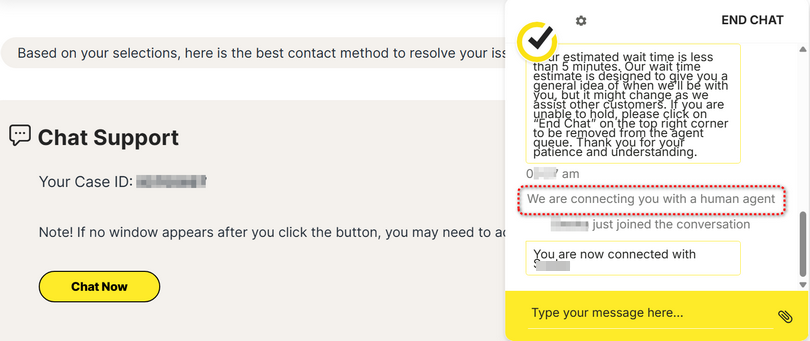
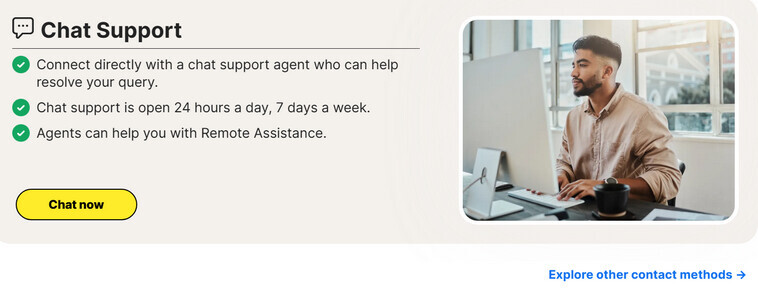
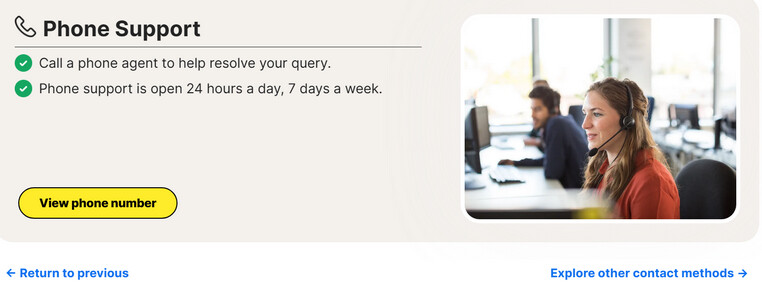
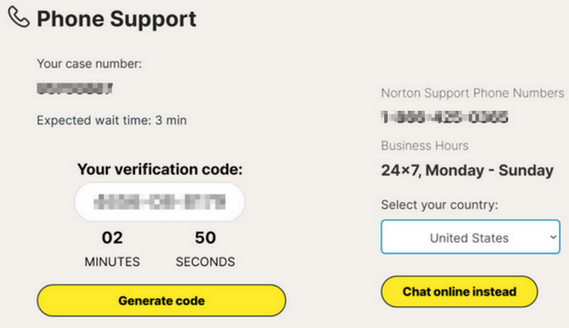
Choose Your Channel: You will typically see options for Live Chat (available 24/7 with the virtual assistant “Kate” who can transfer you to a human) or Request a Callback.
Resolving Double Billing If you have been charged twice, it is often due to having two separate active subscriptions or an accidental manual renewal alongside an automatic one.
Request a Refund: Most Norton annual subscriptions come with a 60-day Money-Back Guarantee.
Check Automatic Renewal: Log in to your account at my.norton.com, go to Subscription, and ensure you don’t have multiple seats or redundant plans active.
Prepare Documentation: Have your Order Number (from your email confirmation) and the last 4 digits of your card ready before starting the chat.
Important Safety Warning Be extremely cautious of “Norton Support” numbers found on third-party forums or via general search engine results (e.g., numbers starting with +1-833 or 1-844 found on non-Norton sites). These are frequently used by scammers. Always initiate contact through the official norton.com domain to ensure your personal and financial data remains secure.
Alternative Support Channels
Norton Community: You can post a query on the Norton Community Forums, where experts and employees often provide guidance on how to navigate the support system.
Social Media: Reaching out to @NortonSupport on X (formerly Twitter) can sometimes escalate a response if you are having trouble with the web portal.
Resolve double billing if you accidentally bought more than one Norton subscription
This problem may happen if you have accidentally purchased more than one Norton product or your Norton subscription was automatically renewed while you also purchased a Norton product elsewhere.
If you have more than one Norton subscription active at the same time, you can share one of the subscriptions with friends or family, or contact Member Services and Support to request a refund.
If you cannot reach official Norton support via chat/phone, Norton’s social media teams are often much more responsive than the automated support website:

 Important Safety Warning Be extremely cautious of “Norton Support” numbers found on third-party forums or via general search engine results (e.g., numbers starting with


 Social Media “Fast Track”


