Hello @EDWARD_KING
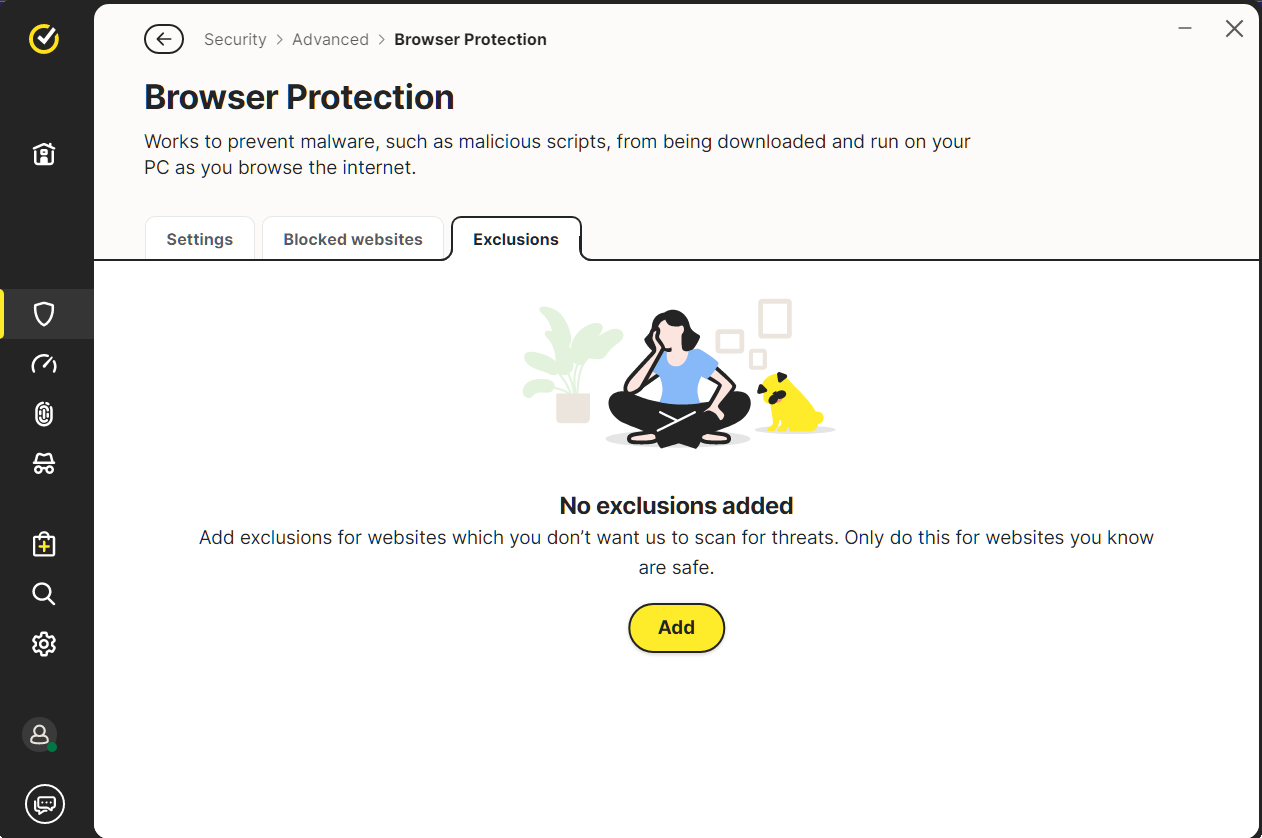
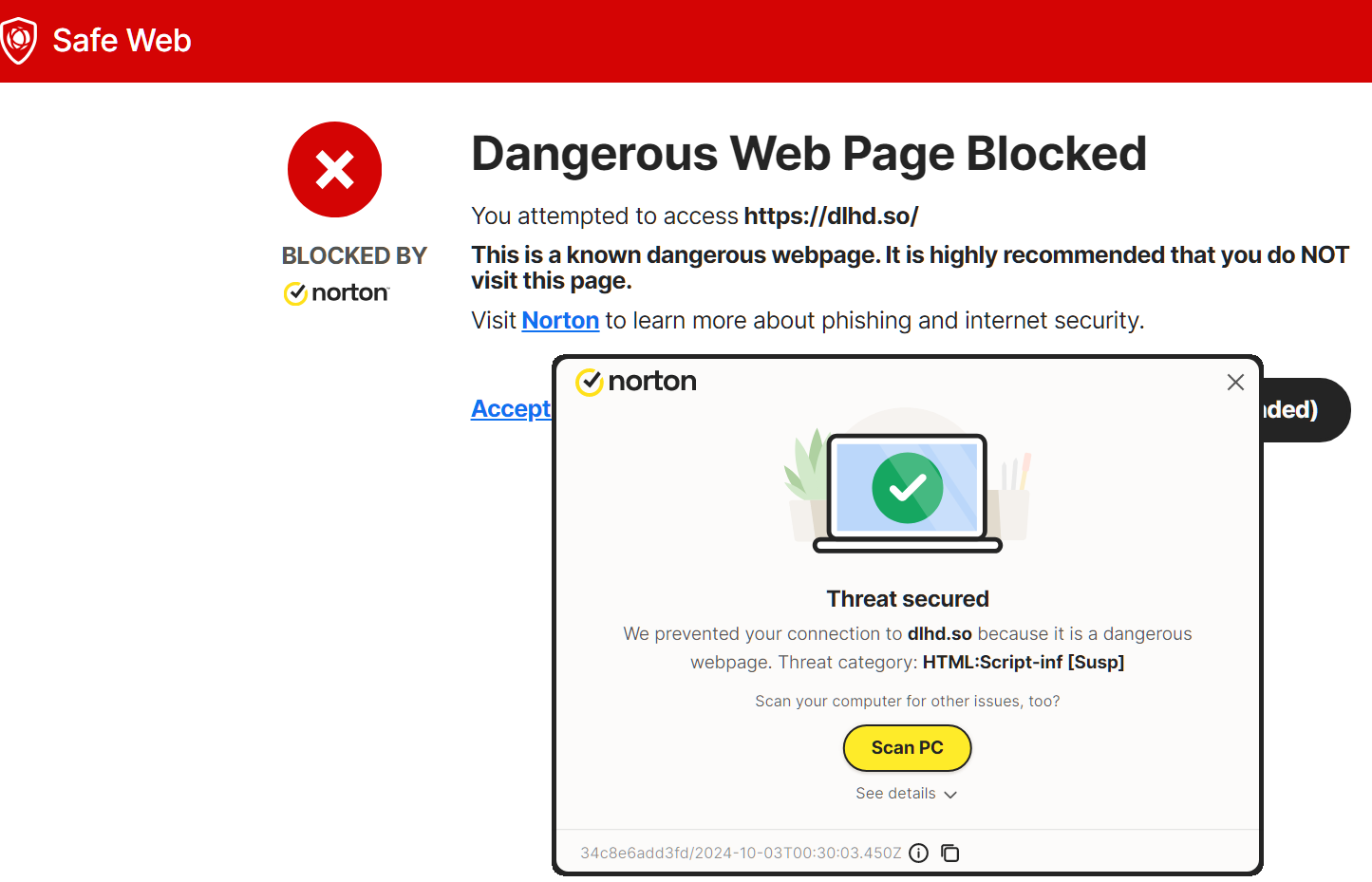
dlhd.so
URL Analysed: https://dlhd.so/
Norton Rating  Warning
CURRENT CATEGORY  Malicious Sources/Malnets
Dispute submitted!
https://safeweb.norton.com/report?url=https://dlhd.so
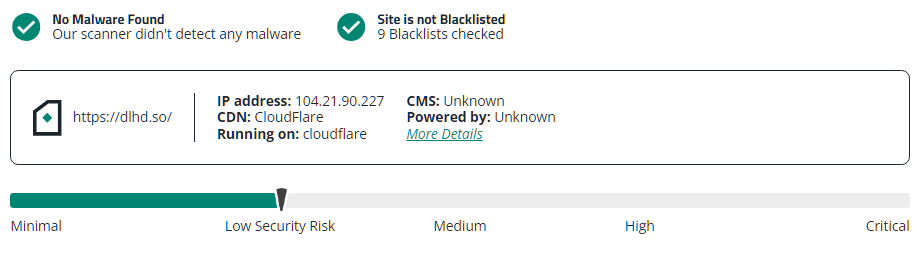
https://sitecheck.sucuri.net/results/https/dlhd.so
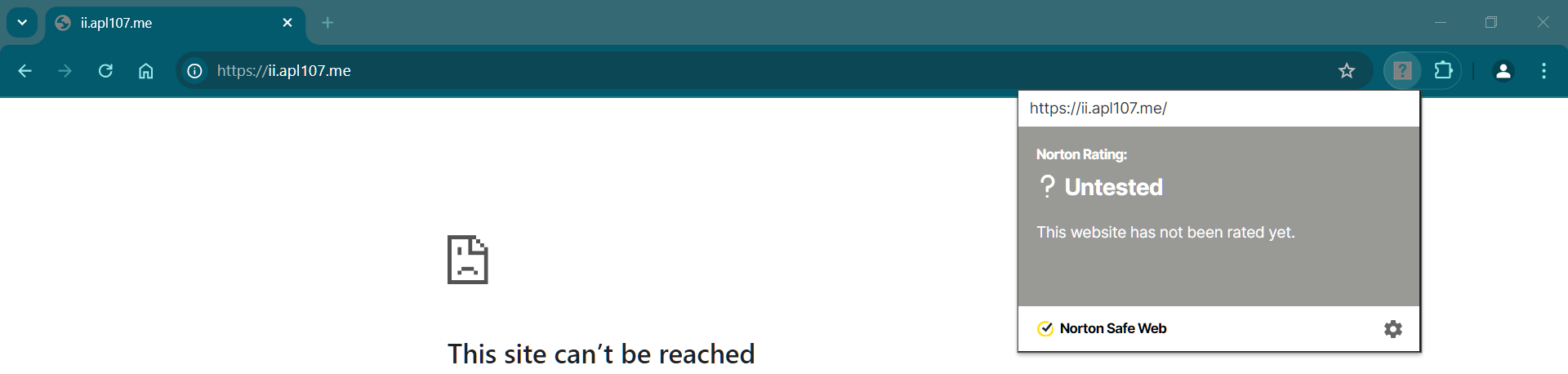
ii.apl107.me
URL Analysed: https://ii.apl107.me
Norton Rating  Warning
CURRENT CATEGORY  Malicious Sources/Malnets
Dispute submitted!
https://safeweb.norton.com/report?url=https://ii.apl107.me
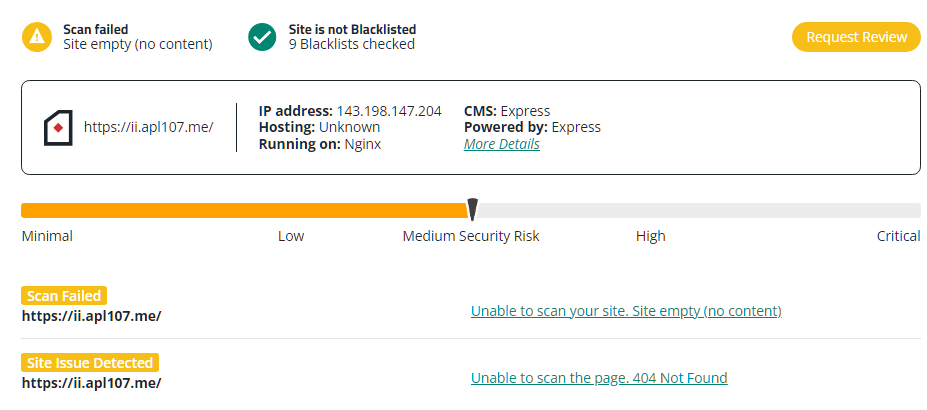
https://sitecheck.sucuri.net/results/https/ii.apl107.me
This is the equivalent of saying RTFM.
I would expect that any update to the core product would not eliminate and existing daily incremental backup. Also that it would not require you to opt out of new features.
I’m a retired mainframe systems programmer with over 50 years in the business. I also supported servers, desktops and the local network.
Updates should not cause you to have to learn and implement the entire product as new. If I have to do that, I might as well reevaluate the product i’m using and look at others that fit my needs.
Is there some tutorial that I can read/view that will help me with resetting the cloud backup and where some of the old features went?
I manage a number of desktops and don’t want to re implement Norton across all of them.
I’m retired and not looking to spend a large amount of time fixing what this upgrade broke.
2 Likes
I’m not aware of v24 tutorials. Sorry
https://community.norton.com/t/norton-360-new-experience/240033/12
Thanks.
Just last month I renewed my subscription, so i’m not likely to walk away. I guess i’ll have to see how to setup the cloud back up and figure out where things are now.
I only backup specific folders, since if I did need to recover my desktop, i’d do a clean install, reload my software and restore a handful of folder with my files.
Hello @EDWARD_KING
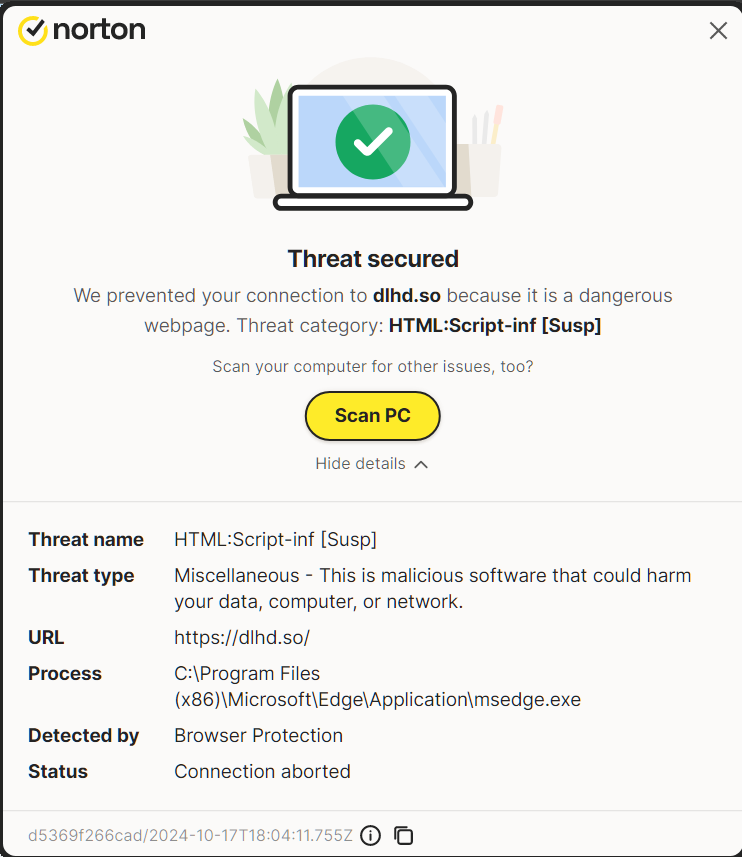
I’m following up with Norton regarding https://dlhd.so/
with Norton Safe Web and N360 v24 Browser Protection disabled
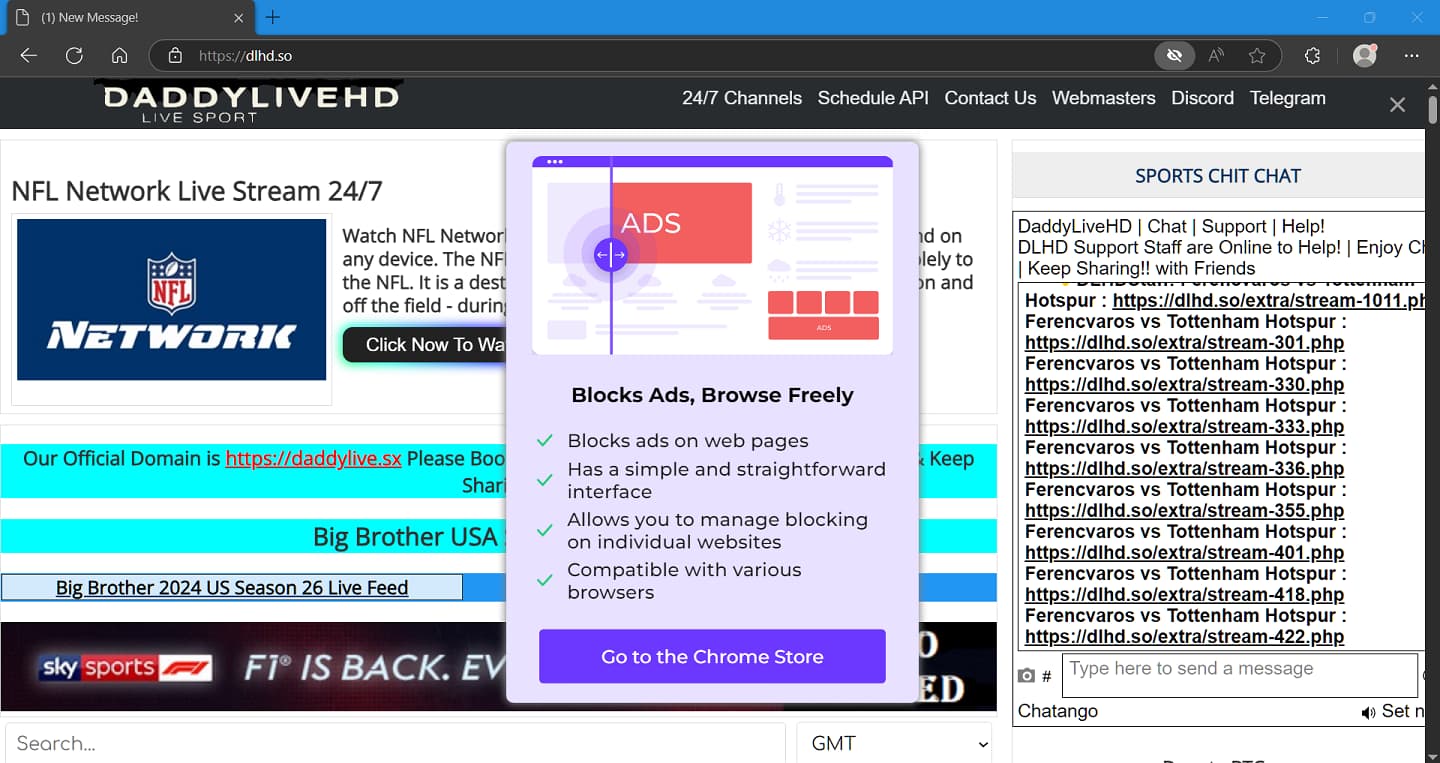
Note: Go to the Chrome Store…calls
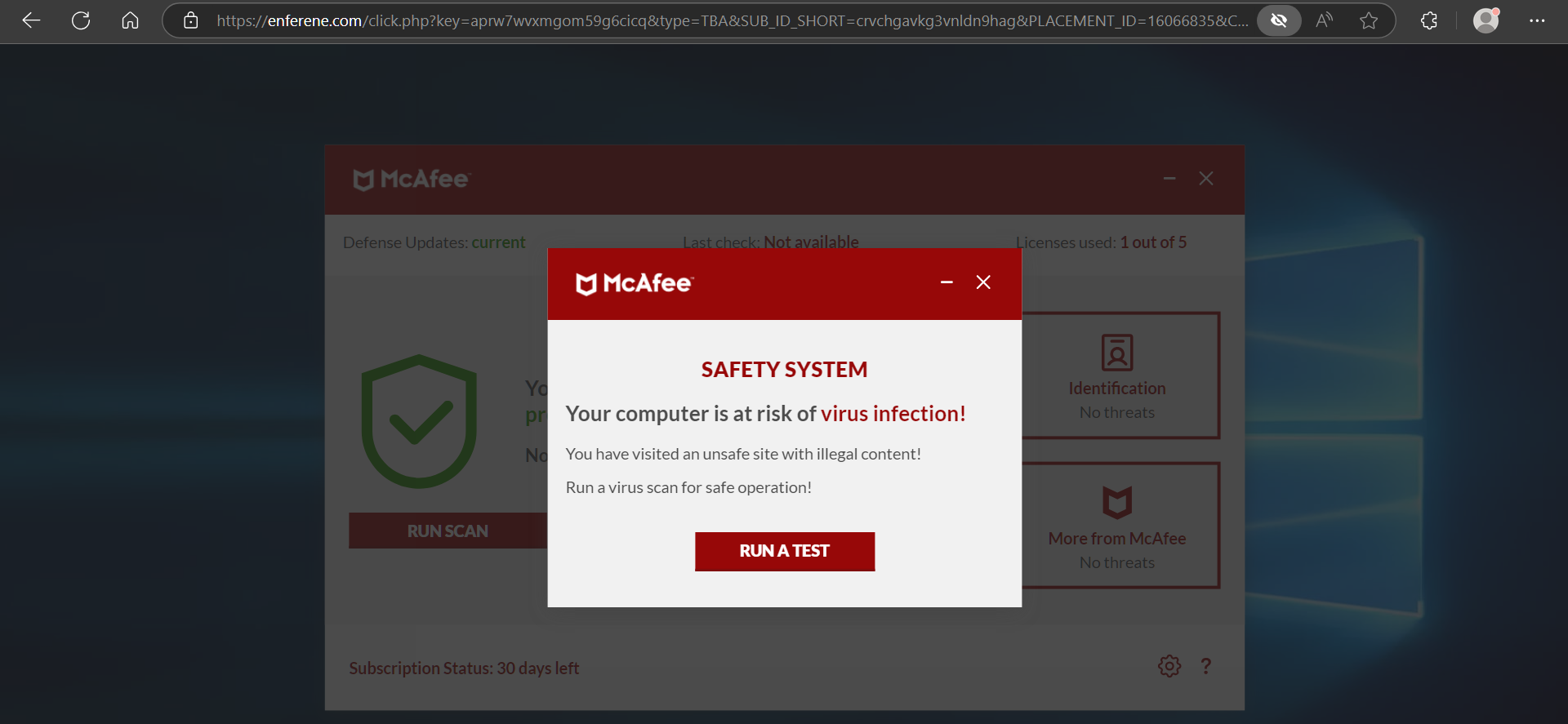

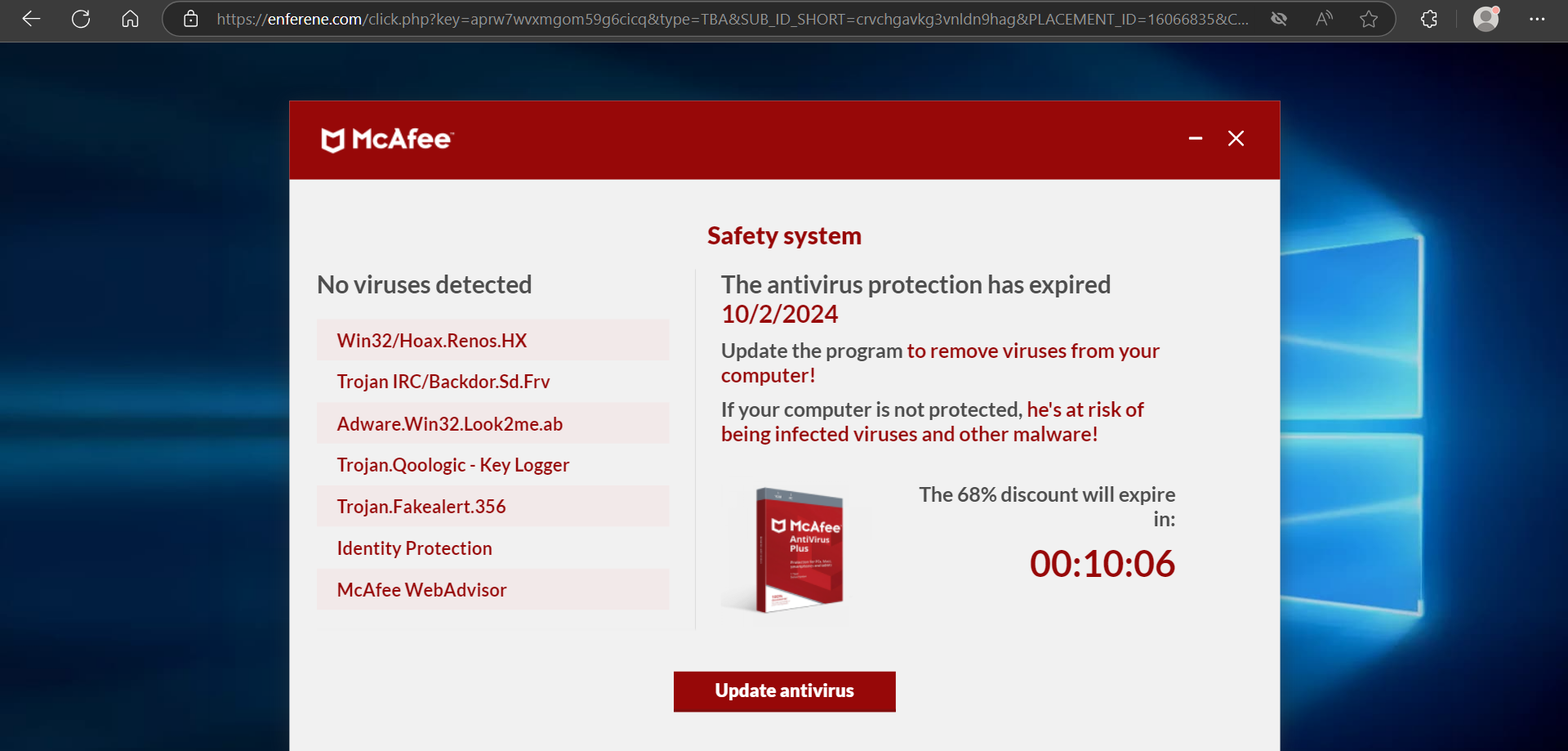
Hello @Glenn_Ring
Hoping, once you get familiar. v24 will satisfy.
1 Like
I also hate the latest version, in fact I started my own thread as I am so disgusted at the way it’s been forced on us in such a high handed manner.
If Norton are so confident that we will all love it, why not have the courage to allow the option of retaining the original?
5 Likes
Hello @EDWARD_KING
dlhd.so
URL Analysed: https://dlhd.so/
Norton Rating  Safe
CURRENT CATEGORY  TV/Video Streams | Piracy/Copyright Concerns
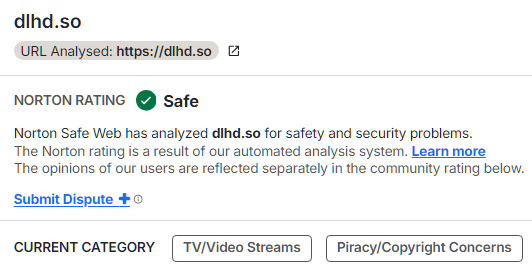
https://safeweb.norton.com/report?url=https://dlhd.so
TV/Video Streams
Sites that provide streams or downloads of television, movie, Webcam, or other video content-typically more than 15 minutes in length.
Piracy/Copyright Concerns
Sites that provide information or technology for cracking or pirating software or other protected intellectual property, and sites that distribute such media.
=============================================
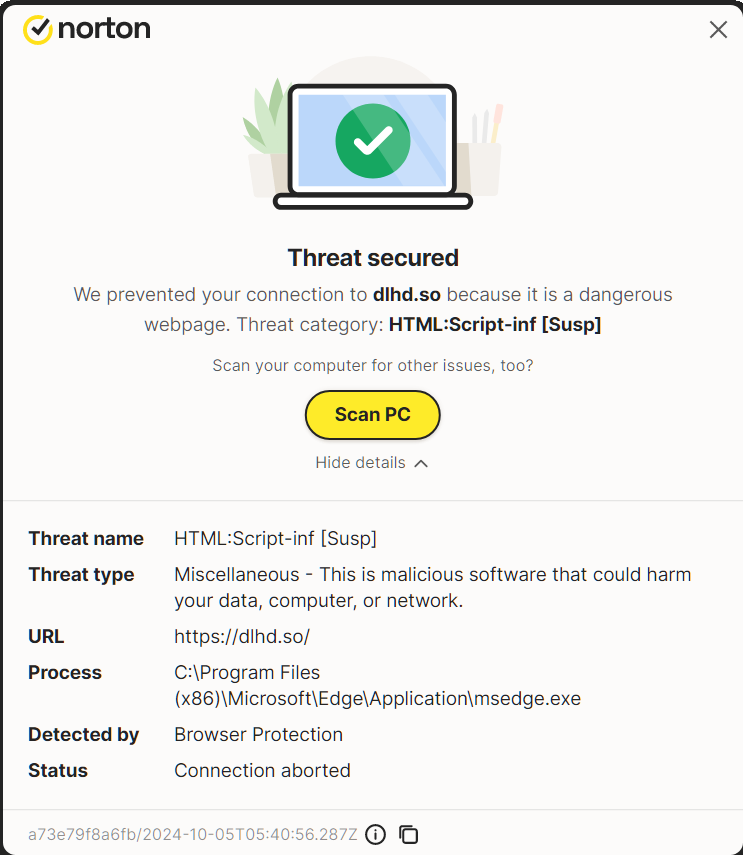
a73e79f8a6fb/2024-10-05T05:40:56.287Z
10/5/2024 1:40:52 AM https://dlhd.so/ [L] HTML:Script-inf [Susp] (0)
=========================================
Couldn’t agree more. Who thought the new interface was an improvement! Why did Norton feel the need to change it? Now I can’t seem to be able to connect my external drive to do my back ups as Norton keeps telling me there are no devices connected! It seems all Norton want me to do is to pay for additional cloud storage which I don’t want or need. My subscription runs out soon and if this interface is not changed I will definitely NOT be renewing.
3 Likes
Same here, no further use of Norton, the interface was wrong, new one is even worse BUT The most critical thing is lost of Network Rules control, now I cant enable\disable them at all.
I deleted Nortons from all my PCs and installed Bitdefender. The final straw was you blocked my NFL streaming site…U all can kiss my GRITS…
I ended up with the new version after having to uninstall Norton 360 to get the Windows 11 24H2 upgrade to work (was stalling at 86% in the second boot stage). After the Windows update, I reinstalled Norton 360 and noticed a newer version had installed. For consistancy, I nuked & installed the latest version on my other rig… a mistake!
I run 2 NICs in bridge mode and Norton 360 has a hissy and cannot identify the network name. That means that Norton defaults to suspecting I’m on a public network and is “restricting some apps”. You can click the “Change to Private” button and Norton is (sometimes) appeased. I have gone into Smart Firewall and marked it as “Private” but I rinse & repeat the next boot (even though the network is marked “private” in the settings). Norton 360 did manage on one boot to convince itself that all was well with the network (although Norton 360 still doesn’t know the network name simply calling it “Network” after I suspect timing out trying to identify it).
About an hour after installation, this rig decided that V24 isn’t compatible with Windows 10??? (hello, we’re running Windows 11 24H2) and offered an update to the latest version from Norton. I allowed it and ended up with both V24 and whatever older version I used to run both installed and running at the same time. Even Windows Security showed I had 2 x Norton AV’s and 2 x Norton firewalls running. Anyway, I uninstalled the older version and hope that’s the end of it.
Question: Should there be any issue with V24 and connecting to the network using a network bridge? Previous version didn’t exhibit this behaviour that I ever noticed.
I agree wholeheartedly.
My experience of v.22 with Windows 10 was amazing, and I defended Norton when people criticized it. I won’t be renewing my subscription.
2 Likes
Same. The new version quite literally changed everything, gave pop-ups that I desperate worked to turn off years ago, and tried to intrude on work emails. Yeah, I’m letting mine expire.
1 Like
AGREE!!! It’s unconscionable to force install a Beta product.
1 Like