To transfer or merge your new Norton license code into your existing account, you should contact Norton Support. Norton typically treats new product keys (especially retail ones) as entirely separate subscriptions rather than automatic extensions.
How to Consolidate Subscriptions
You cannot manually merge two active subscriptions on your own through the account portal. To avoid losing the remaining days on your old subscription, follow these steps:
- Request a Subscription Merge: Contact Norton Member Services & Support. A support agent can manually add the 12 months from your new code to your existing subscription term, “bridging” them so you don’t lose any paid time.
- Disable Auto-Renewal: Ensure you turn off the automatic renewal for your original subscription to prevent being charged again while you have the new license.
- Verify Cross-Platform Coverage: Once merged, the updated subscription will automatically sync across all your devices (Mac, Windows, iOS, and Android) if they are signed into that same account.
================================
Norton does not automatically “stack” or add time from a new retail key to an existing subscription. You must ask an agent to do this manually:
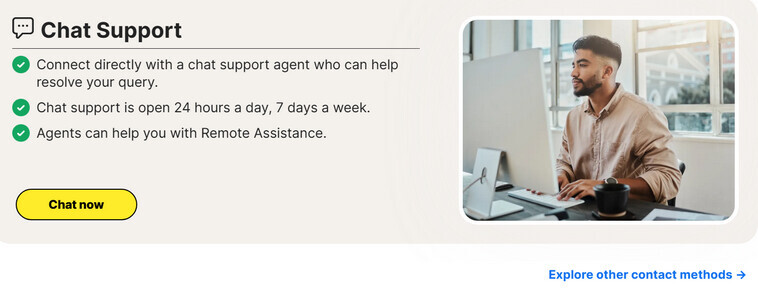
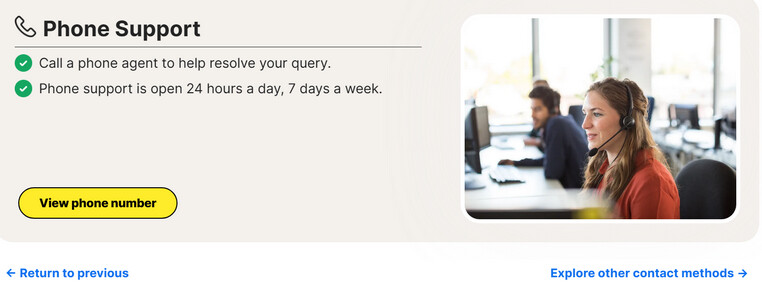
- Contact Support: Use the Norton Chat Support or call Norton Support.
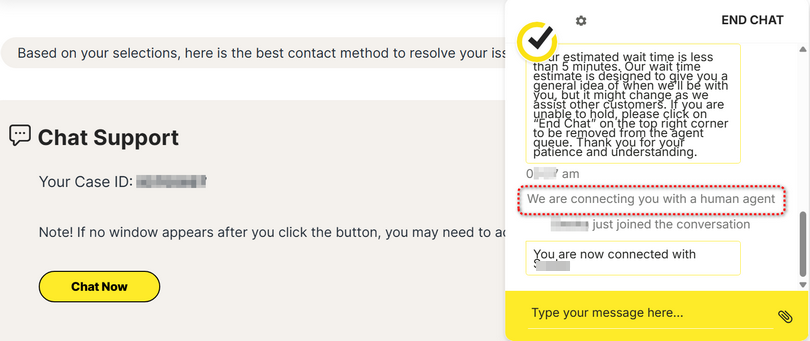
- Bypass the Bot: If using Chat, type “agent” repeatedly to be connected to a human representative.
- The Request: Ask the agent to “add the time from my new product key to my existing subscription”. This allows you to keep your original product key so you don’t have to re-enter new codes on your Mac, Windows, iOS, and Android devices.
========================================
Norton Support Help Center → Contact us
Contact Norton Support → Let’s get started.
=============================
Contact Norton Support - Chat | Phone Support (related notes here)
-----------------------------------------------------------
Please step thru Norton Support here to reach Norton Chat agent.
- Verify registered email address with one-time passcode sent to your email account.
- AI agent “How can I help you today?”
- Type your message
- AI agent offers preset solutions.
- AI agent “Do you need assistance with anything else?”
- Type your message
- AI agent “How may I be of assistance to you today?”
- Type your message
- AI agent “In a few words, could you let me know how I can help you today?”
- type “agent” three times to reach a human agent
-------------------------------------------------------------------
Explore other contact methods →
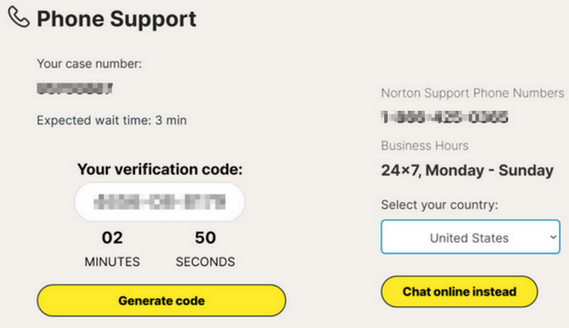
View phone number → Select your country:
- AI agent requests verification code:
- AI agent authenticates you.
- AI agent “How may I help you today?”.
- AI agent offers preset solutions.
- speak “agent” three times to reach a human agent
-----------------------------------------------------
Contact Norton Support - Chat | Phone (related notes here)
-----------------------------------------------------
Please confirm you’re allowing Norton pages content in order to provide the best experience possible.
Please confirm you’re allowing Norton ads, cookies, trackers, analytics, scripts, beacons, etc., etc.,
Please whitelist norton.com, login.norton.com, my.norton.com, nortonlifelock.com, support.norton.com, buy.norton.com, renew.norton.com
Please disable VPN…Ads blocker…try from Chrome.
Please see us.norton.com General Privacy Notice and Cookie Statement for additional information.