This specific error message—“restricted individual list”—is typically related to Global Trade Compliance. Norton (owned by Gen Digital) must comply with U.S. and international trade laws that prohibit providing services to individuals on sanctioned or restricted party lists (e.g., OFAC lists).
If you are a U.S. resident and believe this is an error, it is often caused by a “false positive” match on a name or an incorrect location detection by your network.
Recommended Steps to Resolve
- Verify Your Account Details: Sign in to your Norton Account Settings and ensure your Country/Region is set correctly to the United States.
- Disable VPNs/Proxies: If you are using a VPN, Norton may misidentify your IP address as coming from a restricted region, triggering a block. Turn off any VPN and try to access your account from your home network.
- Clear Browser Cache: Use a private/incognito window or clear your browser’s cache and cookies to ensure no old session data is causing the restriction.
- Check for Identity Fraud: In rare cases, if you have Norton 360 with LifeLock, this message might appear if your personal data (like your SSN) has been flagged in a way that conflicts with compliance filters.
Contact Official Support
Because this involves trade compliance and legal restrictions, Norton Support is the only entity that can manually clear a “Restricted Individual” flag after verifying your identity.
- Official Support: Norton Contact Us
- Avoid Third Parties: Do not provide your Social Security number or payment details to any site other than the official
norton.com or lifelock.com domains to avoid identity theft scams.
=================================
United States = 1-800-745-6061 or 1-800-745-6034
=================================
Contact Chat Support and Norton Phone Number (related notes here)
-----------------------------------------------------------
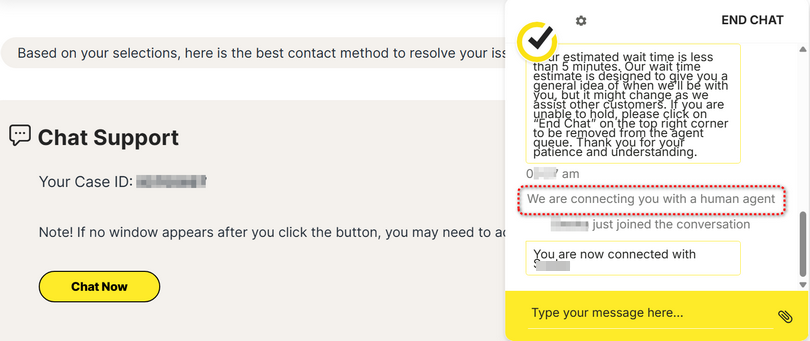
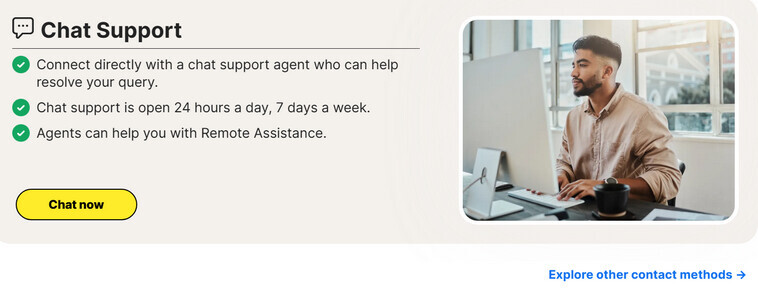
Please step thru Norton Support here to reach Norton Chat agent.
- Verify registered email address with one-time passcode sent to your email account.
- AI agent “How can I help you today?”
- Type your message
- AI agent offers preset solutions.
- AI agent “Do you need assistance with anything else?”
- Type your message
- AI agent “How may I be of assistance to you today?”
- Type your message
- AI agent “In a few words, could you let me know how I can help you today?”
- type “agent” three times to reach a human agent
-----------------------------------------------------------------------------------
Explore other contact methods →
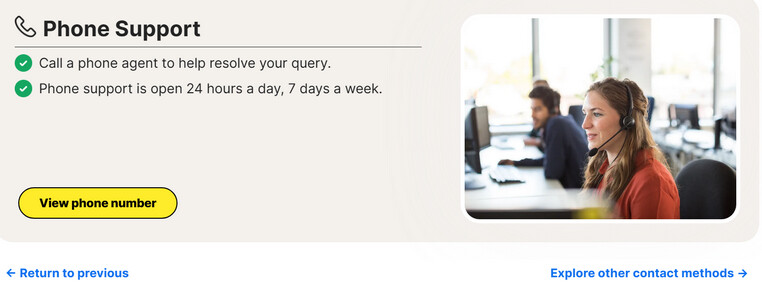
View phone number → Select your country:
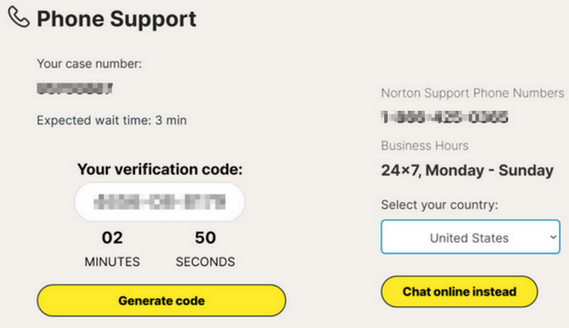
- AI agent requests verification code:
- AI agent authenticates you.
- AI agent “How may I help you today?”.
- AI agent offers preset solutions.
- speak “agent” three times to reach a human agent
-----------------------------------------------------
Contact Chat Support and Norton Phone Number (related notes here)
=============================
Note: AI sourced content may make mistakes