head scratch
I HAVE BEEN ABLE TO FIX THIS PROBLEM using the “Split Tunnel” setting in the non-Norton VPN (Private Internet Access). This was suggested to me using artificial intelligence (Microsoft copilot). This setting allows specified processes to bypass the VPN tunnel. I specified the NortonUI.exe and NortonSvc.exe to bypass the VPN tunnel. I shut down the machine & turned it back on to reset Norton and the non-Norton VPN. This fix appears to have worked although I am still testing it. I used Microsoft copilot to compare the two VPNs and suggest what may be causing the problem. It gave me a lengthy response and a list of settings changes to make in the non-Norton VPN to try to fix the problem. I decided to try the Split Tunnel setting since it seemed most likely to work. This is what Microsoft copilot said about this problem: Norton360’s pop-ups and background services often rely on direct, uninterrupted access to its cloud servers. If PIA (Private Internet Access VPN) routes or masks that traffic, Norton might suppress or fail to render those pop-ups correctly. Bypassing the VPN for Norton360 restores that connection.
1 Like
Thanks for sharing your progress.
UPDATE: It is the morning after my last post and the problem occurred again with the bad pop-up and the “Store” menu option. The only thing that happened between yesterday and today is that I put my machine to sleep. I asked Microsoft Copilot about this and apparently there are known problems with the Private Internet Access VPN “Split Tunnel” setting causing inconsistent behavior after sleep/wake cycles. I shut down my machine and turned it on again and this resolved the problem. Microsoft copilot made several recommendations to get around the problem with the Split Tunnel setting that would not require me to shut down the machine. In conclusion, the fix that I previously posted does work. There just happens to be a problem with the Split Tunnel setting in the Private Internet Access VPN.
Starting and stopping the Private Internet Access VPN twice after waking up the machine from a sleep cycle will resolve the problem with the Split Tunnel setting described in my previous post.
1 Like
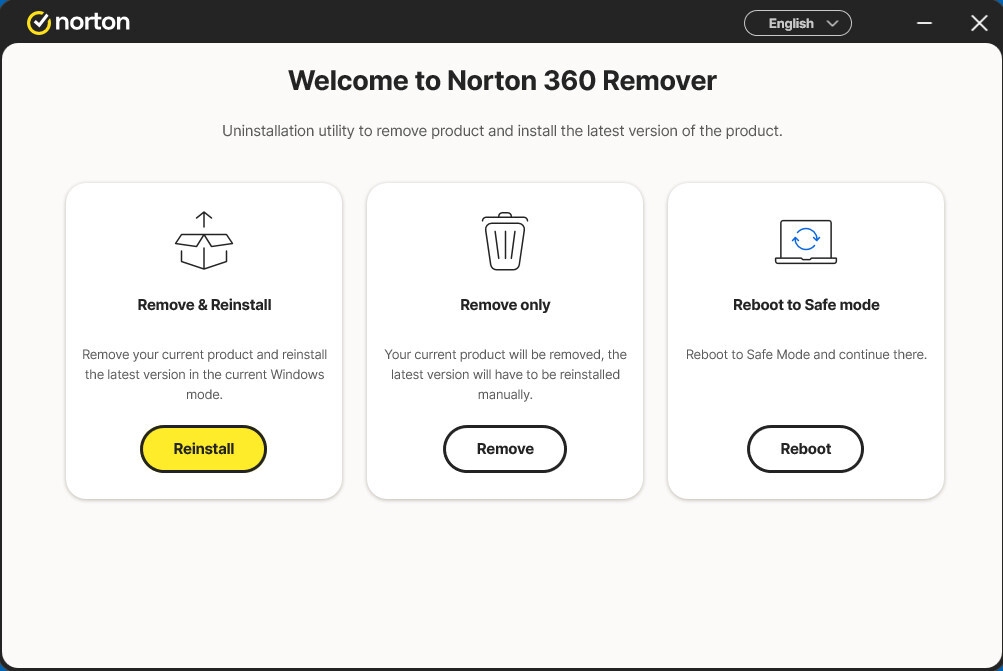
Note: at this time…I’m finding Remove & Reinstall as per DocID: v20240301142500636
The problem with the Split Tunnel setting in the Private Internet Access VPN appears to be resolved after installing the latest version of Private Internet Access VPN.